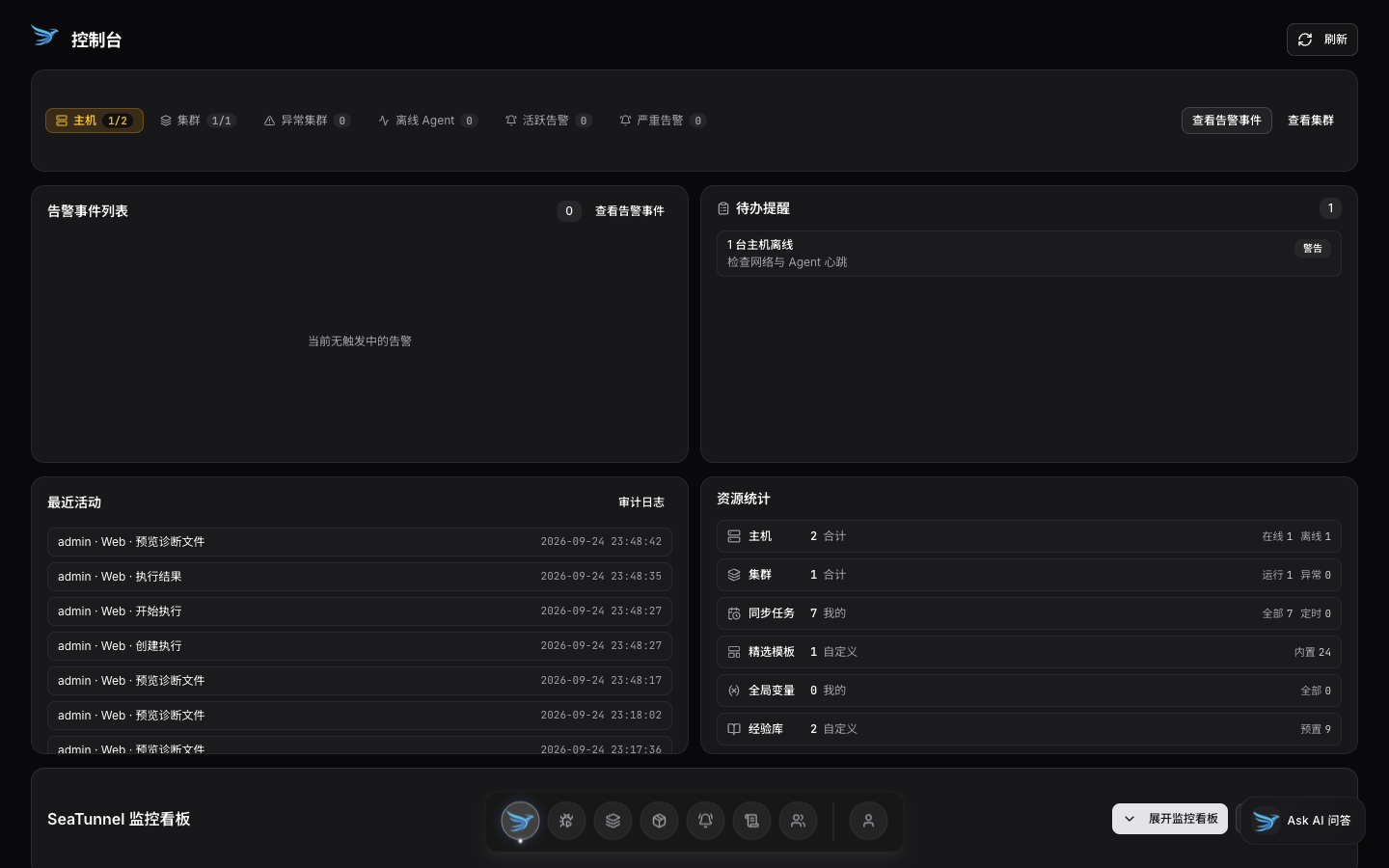
Web UI overview
See the big picture first, then drill into the issue.
- Host, cluster, and job health on one screen
- Key levels and exception entry points nearby
- Jump from overview into the next action
STX CLI + Skill · Interactive example
The scenarios use example data and real STX CLI commands; no live environment is connected. CLI & Skill ↗
An AI Agent uses the real STX CLI through its Skill. Results here are sample data.

 Describe the ops task to diagnose or submit…


Capabilities
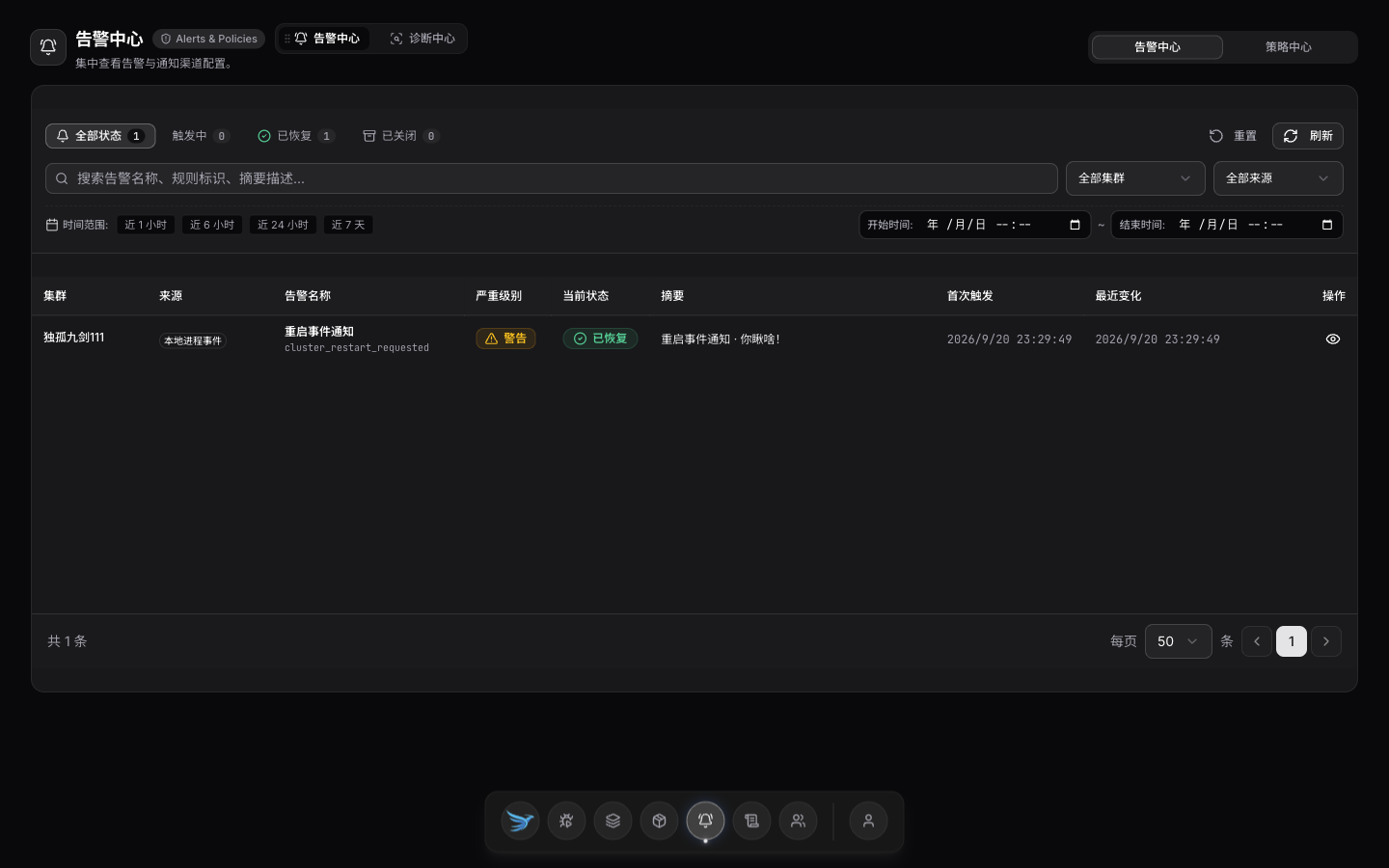
See status in the Web UI, then install, start/stop, debug, or troubleshoot as needed.
See the big picture first, then drill into the issue.
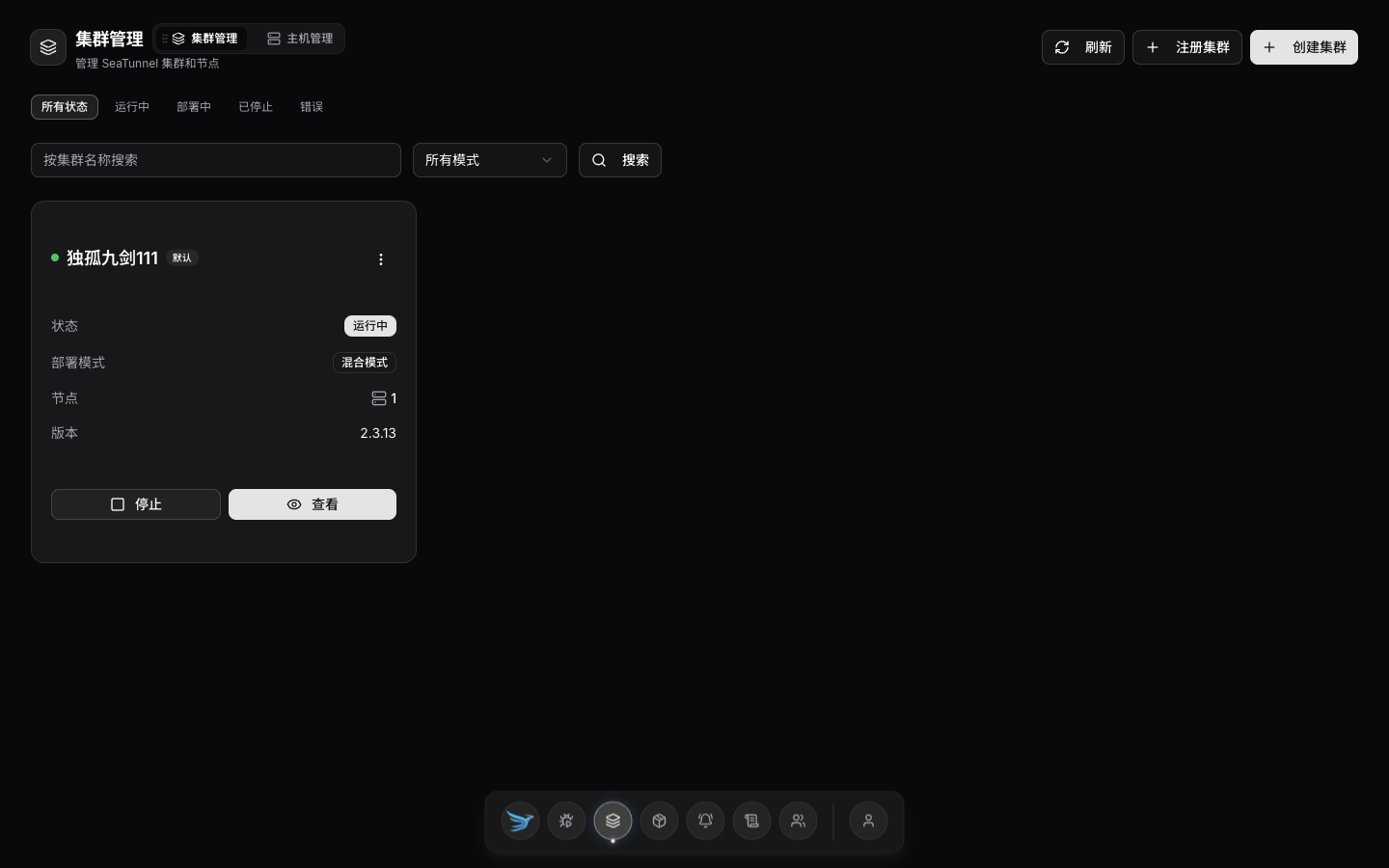
Install, start/stop, and upgrade—without scattered scripts.
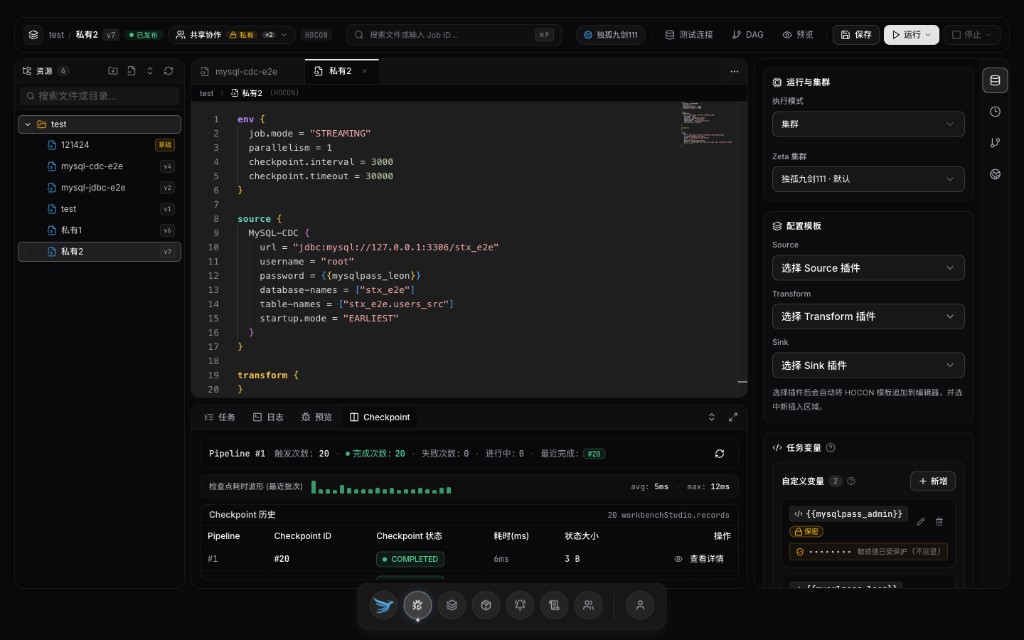
Configure, preview, and submit in a reviewable loop.
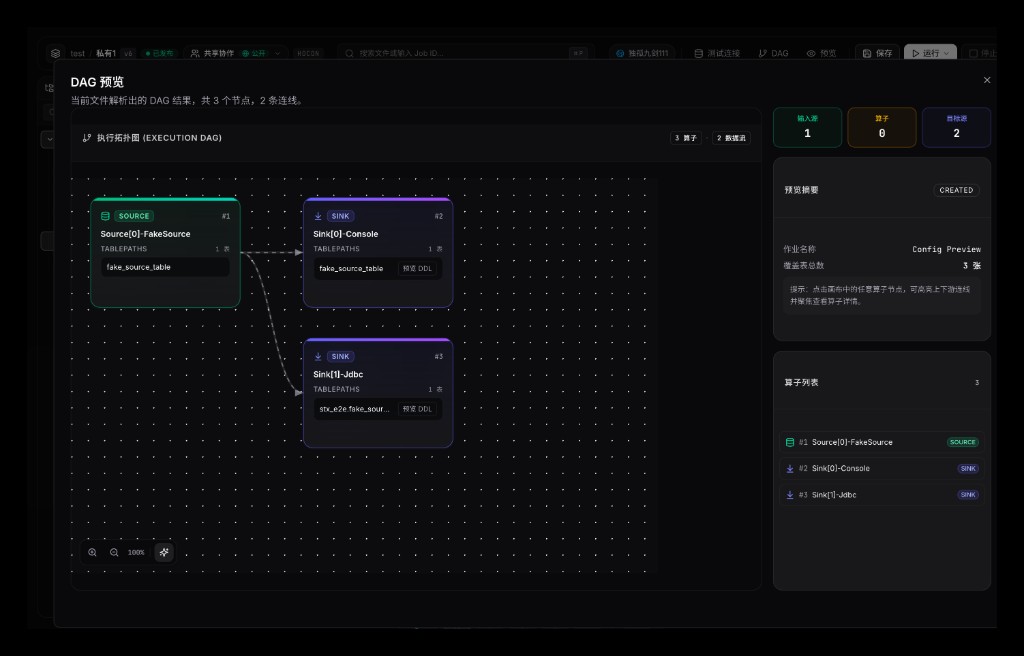
Config becomes a graph; upstream and downstream line up.
Alerts are a start; evidence comes next.